
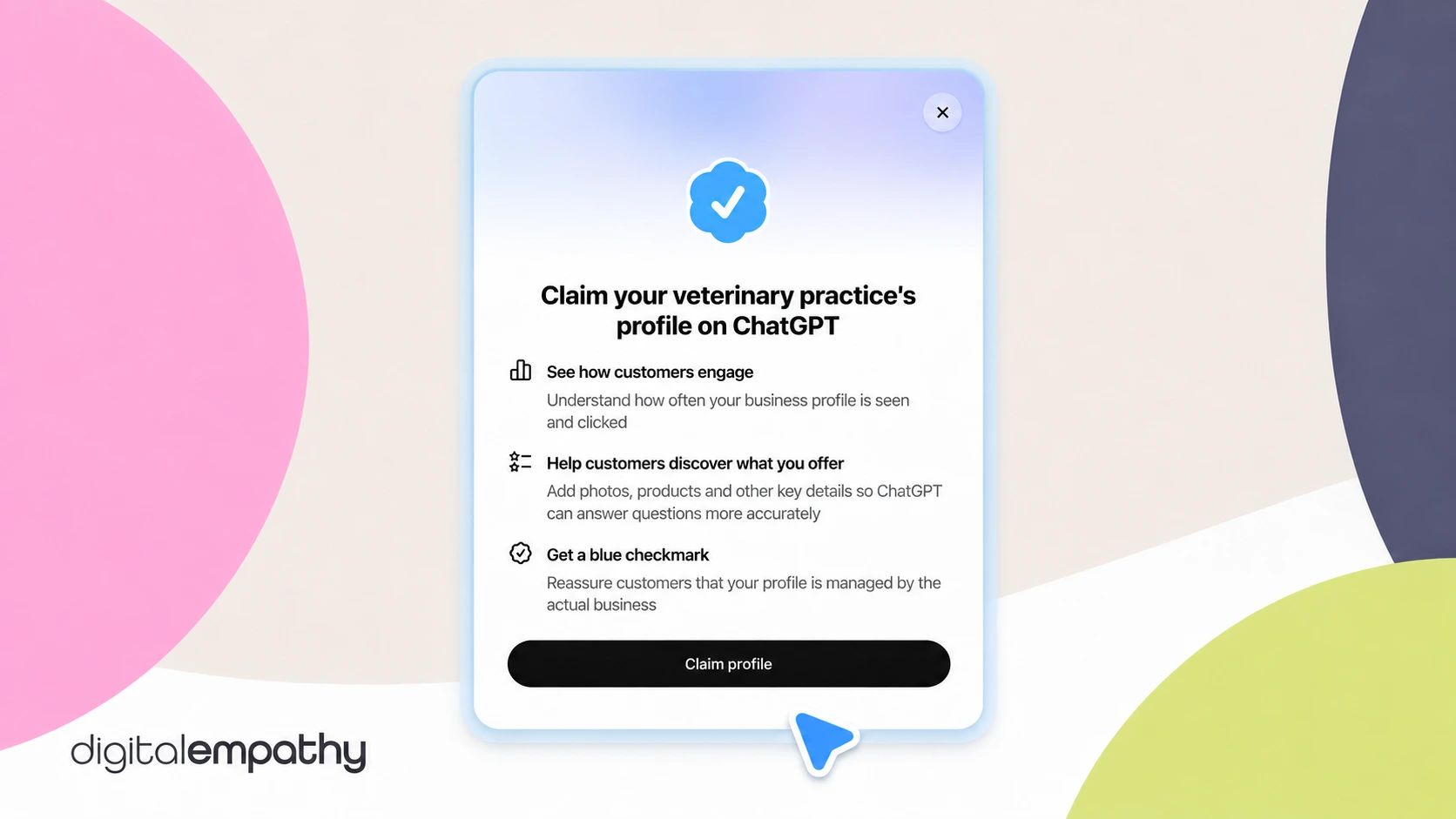
On November 10, OpenAI launched a way for businesses to claim their profile in ChatGPT. It works a lot like Google Business Profile. Once you claim and verify your practice, you can fix your details and see how often pet owners find you in ChatGPT. You don't need to pay for ads or a special ChatGPT plan to do it.
Start today. The ID check can take a few days, and if someone else claims your practice first, like a former employee or an old marketing vendor, you'll have to dispute it to get it back.
Why should my veterinary practice claim its ChatGPT profile?
Remember when Google My Business, now Google Business Profile, first showed up? Google built a listing for every practice, whether the practice asked for one or not. If you didn't claim yours, it was filled with whatever Google guessed about you. Your hours could be wrong and your phone number could be old, and pet owners had no way of knowing.
Claiming your profile fixed that. You could correct your hours, add photos, and make sure pet owners got the right information before they ever picked up the phone. It became one of the most important things a practice could do online, and it still is.
ChatGPT is at that same point right now.
When ChatGPT launched, it grew faster than any consumer app before it. Today, OpenAI says 1.2 billion people use it every week, and pet owners are part of that. They ask it which vet near them sees cats, who's open on Saturday, and where to go when their dog starts limping. ChatGPT already answers with information about your practice that it pulls from around the web. Until now, you had no say in what it found.
Claiming your profile gives you that say. Once you're verified, you can fix what's wrong, keep your details current, and see how often ChatGPT shows your practice to people nearby.
We see the shift in our own numbers too. In May, 58% of the practice websites we track got visits from ChatGPT or another AI tool. As of October 2026, it's up to 79%.
If you claimed your Google profile years ago, you already know why this matters. Don't wait on this one.
How do I claim my veterinary practice in ChatGPT?
Before you start: decide who at your practice will do this. The person who claims your profile also has to verify their identity, which means submitting their own government ID. That person becomes the profile's admin too. Ideally it's the practice owner, signed in with an account the practice controls, like one on your practice email.
- Open Business Hub. Sign in to ChatGPT, select Business Hub in the sidebar, and search for your practice by name.
- Pick your listing. Check the address before you select it, especially if you have more than one location or there's a practice with a similar name nearby. ChatGPT then asks you to confirm which account will manage the profile.
- Prove it's yours. You'll see a few ways to verify. The fastest are Business phone (a text or an automated call) and Business email. OpenAI sends a code to the phone number or email it already has for your practice. If that number or email is out of date, choose Website domain instead. You'll get a short record to add to your website's settings. If you're a Digital Empathy client, send that record to our support team and we'll add it or help you get it added. You'll still finish the claim and the ID check yourself, so the profile stays in your practice's name.
- Wait for approval. OpenAI reviews your claim and emails you its decision.
- Verify your identity. OpenAI uses a service called Persona for this. You may need a government ID, your business registration, and proof that you're allowed to act for the practice. Your business name, address, and any registration or tax number must match your official records exactly. OpenAI says review time varies. Ours has taken a few days so far.
- Look for the blue check. Once Persona approves you, your profile gets a blue check. Then you can edit your details and see your insights.
If someone already claimed your practice: open the profile, select the ••• menu, then select Dispute ownership. If you see "Contact support" instead, your listing is locked, and you'll need OpenAI's help to get in.
Will claiming my practice in ChatGPT help my business?
Yes, but not by moving you up a list. Claiming your profile helps because pet owners get the right information about your practice, and you get to see how often they find you there.
Think about a pet owner who gets an old phone number or the wrong hours. They call, nobody picks up, and they book somewhere else. You never know they tried. Claiming your profile is how you stop that from happening in ChatGPT.
Will claiming my profile get my practice recommended more?
No. OpenAI says claiming doesn't guarantee your practice will show up more often. ChatGPT also pulls information from other places online, so your website and Google Business Profile still matter. The goal is to have the same correct information everywhere ChatGPT looks.
Can I pay to show up higher in ChatGPT?
No. OpenAI says advertising doesn't affect ChatGPT's own answers. The only way to shape what ChatGPT says about your practice is to give it accurate information, and claiming your profile does exactly that.
How long until my changes show up in ChatGPT?
It varies. OpenAI reviews each update before it goes live, and it can take time to show up in answers. Make changes well before you need them, like updating holiday hours early.
Can I see what pet owners ask ChatGPT about my practice?
Not word for word. Your insights cover the past 28 days. They show how often ChatGPT showed your practice to people nearby, how many clicked through to your website, and the common topics in those answers. OpenAI doesn't share anyone's actual questions or chats. Before this, the only thing you could see was the clicks.
Can my practice add a chatbot in ChatGPT?
Not yet. OpenAI's new business agents are only open to US businesses that sell or provide services online. Local practices can claim and manage a profile, but they can't add an agent right now.
What should I do after I claim my practice?
Make sure your details match everywhere. Your hours, phone number, address, and services should say the same thing in ChatGPT, on your website, and on your Google Business Profile. ChatGPT pulls from more than one place, so one outdated listing can still send a pet owner the wrong information.
Then check your insights about once a month. They cover the past 28 days, so a monthly look shows you the full picture each time. Watch whether more pet owners are finding you and clicking through to your website.